

Claude
Connect Claude Desktop, claude.ai and Claude Code to your memory.
Claude Desktop
Claude Desktop runs on your Mac, so Esment can connect it for you. No address or key is needed.
- 1Open Esment and go to Assistants.
- 2Click the Claude Desktop card, then Configure.
- 3Quit Claude Desktop with ⌘Q and open it again.
- 4Start a new conversation.
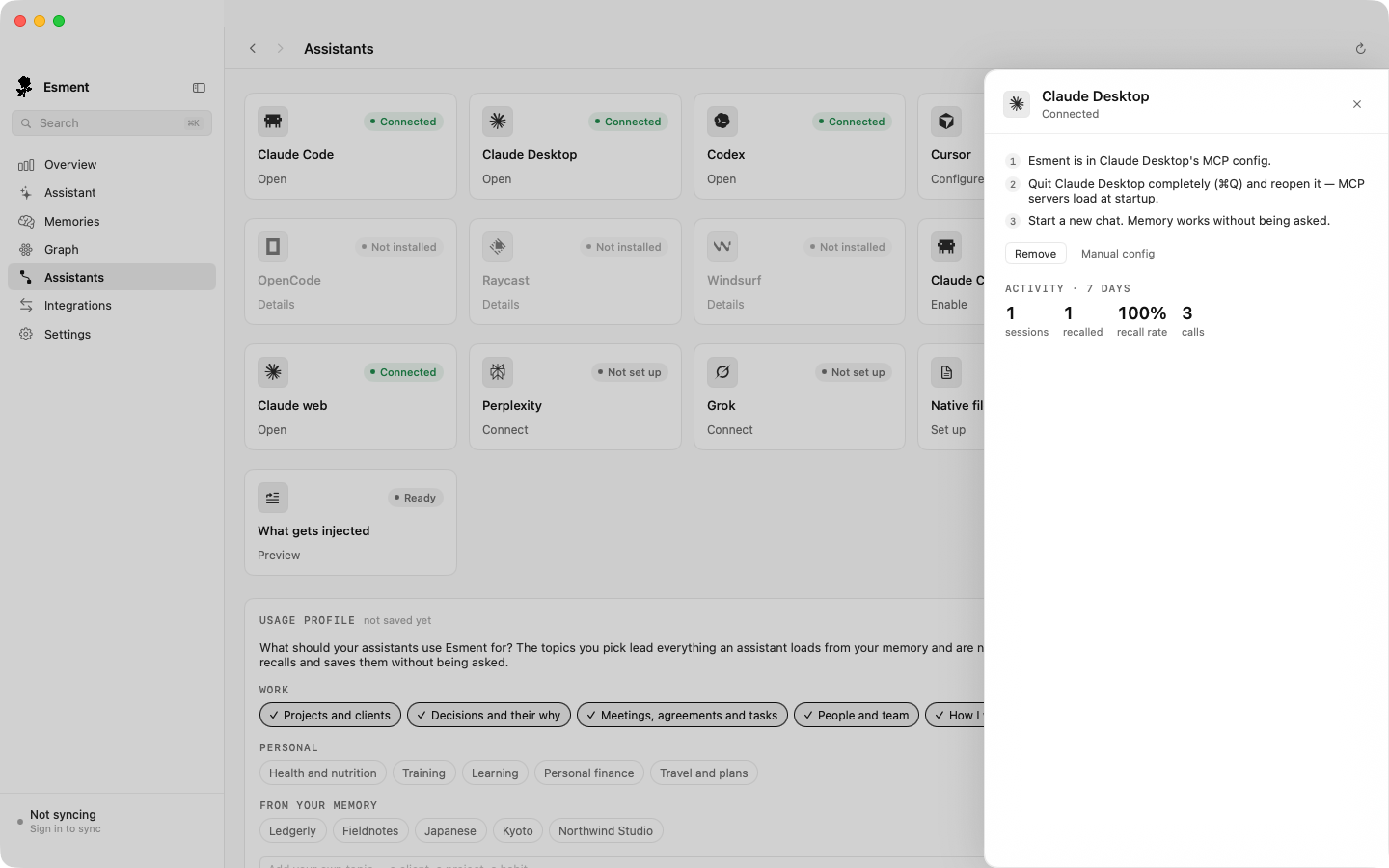
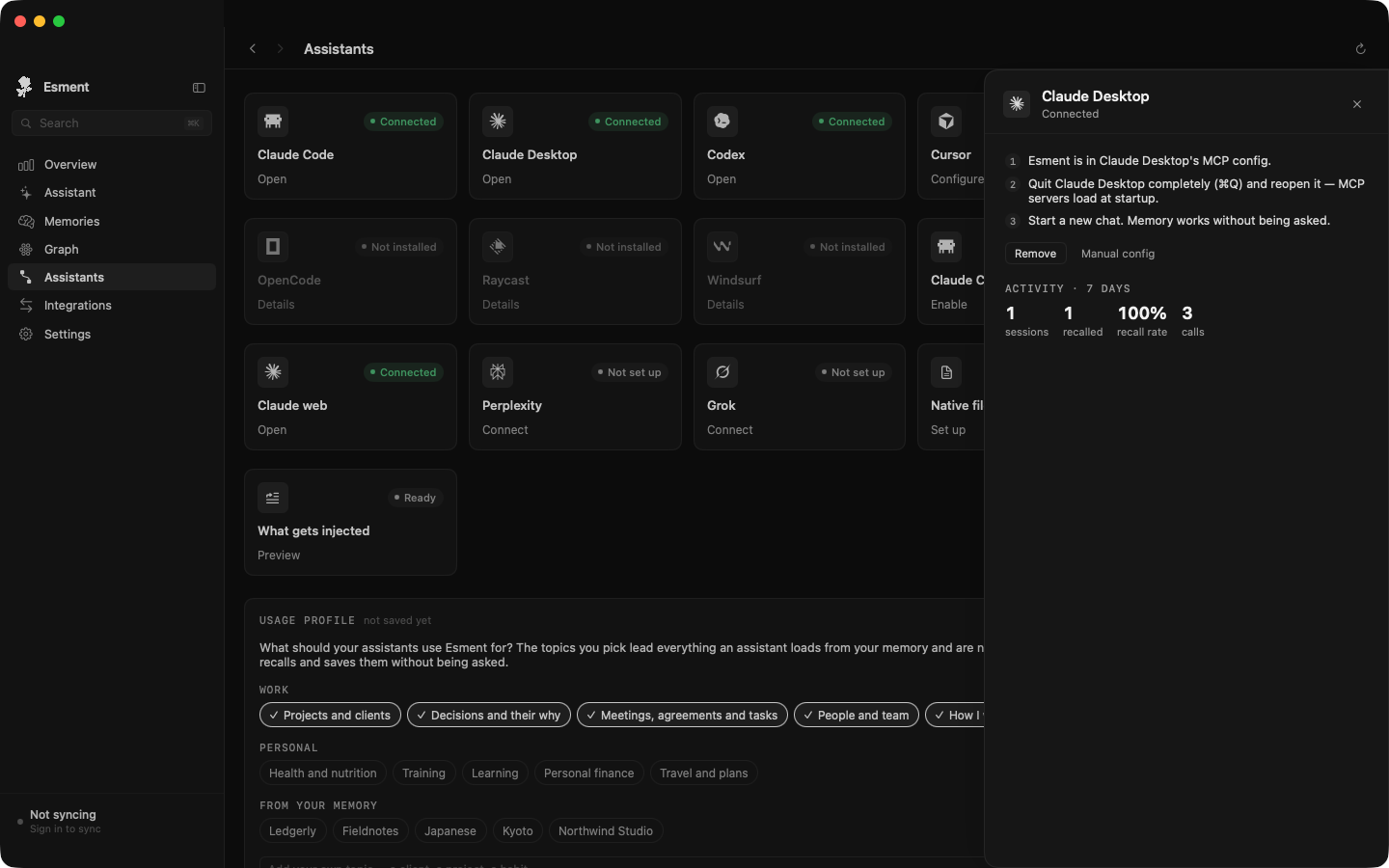
Configure also prepares a local Claude plugin folder. We have not confirmed whether Claude Desktop needs an extra step in its own Plugins screen to turn it on.
claude.ai
claude.ai runs in your browser, so it needs a web address for your memory. Use the one that matches where your memory lives.
- 1In Esment, open Assistants and click the Claude web card.
- 2Click Turn on next to the tunnel and copy the address that appears.
- 3In claude.ai, open Settings → Connectors → Add custom connector and paste the address.
- 4Sign in when asked. If sign-in is not offered, switch on OAuth sign-in in the Claude web panel and click Apply.
Claude receives Esment’s instructions automatically when it connects, so there is nothing to paste. See Web assistants & your Mac for the tunnel details.
Claude Code
Claude Code is the command-line assistant. On the Mac, Esment connects it the same way as Claude Desktop.
- 1In Assistants, click the Claude Code card, then Configure.
- 2Quit and reopen Claude Code, or start a new session.
- 3Optional: click the Claude Code hooks card and then Enable. Hooks load your memory into every turn, so recall does not depend on Claude choosing to ask.
If you prefer to edit the settings yourself, open the card and click Manual config for the snippet. It has this shape:
{
  "mcpServers": {
    "esment": {
      "url": "<your memory address>/mcp",
      "headers": { "Authorization": "Bearer <access key>" }
    }
  }
}
Adding Esment through the Claude plugin marketplace from inside Claude Code (the local marketplace Esment creates in your home folder) is not documented here yet.
Check it works
In a new conversation, ask:
What memory tools do you have available?
Claude should mention Esment tools. Then tell it something about you, start another conversation and ask what it knows.