

Teach your assistants
Short instructions that make each assistant check your memory before answering and save what matters.
Why assistants need a nudge
Connecting gives an assistant the ability to use your memory. It does not guarantee it will. An assistant decides on its own whether to look something up, and often it does not think to.
Esment helps in two ways. Some assistants receive Esment’s instructions automatically when they connect. For the others, you send a short note once, and the assistant keeps it in its own memory.
Your usage profile
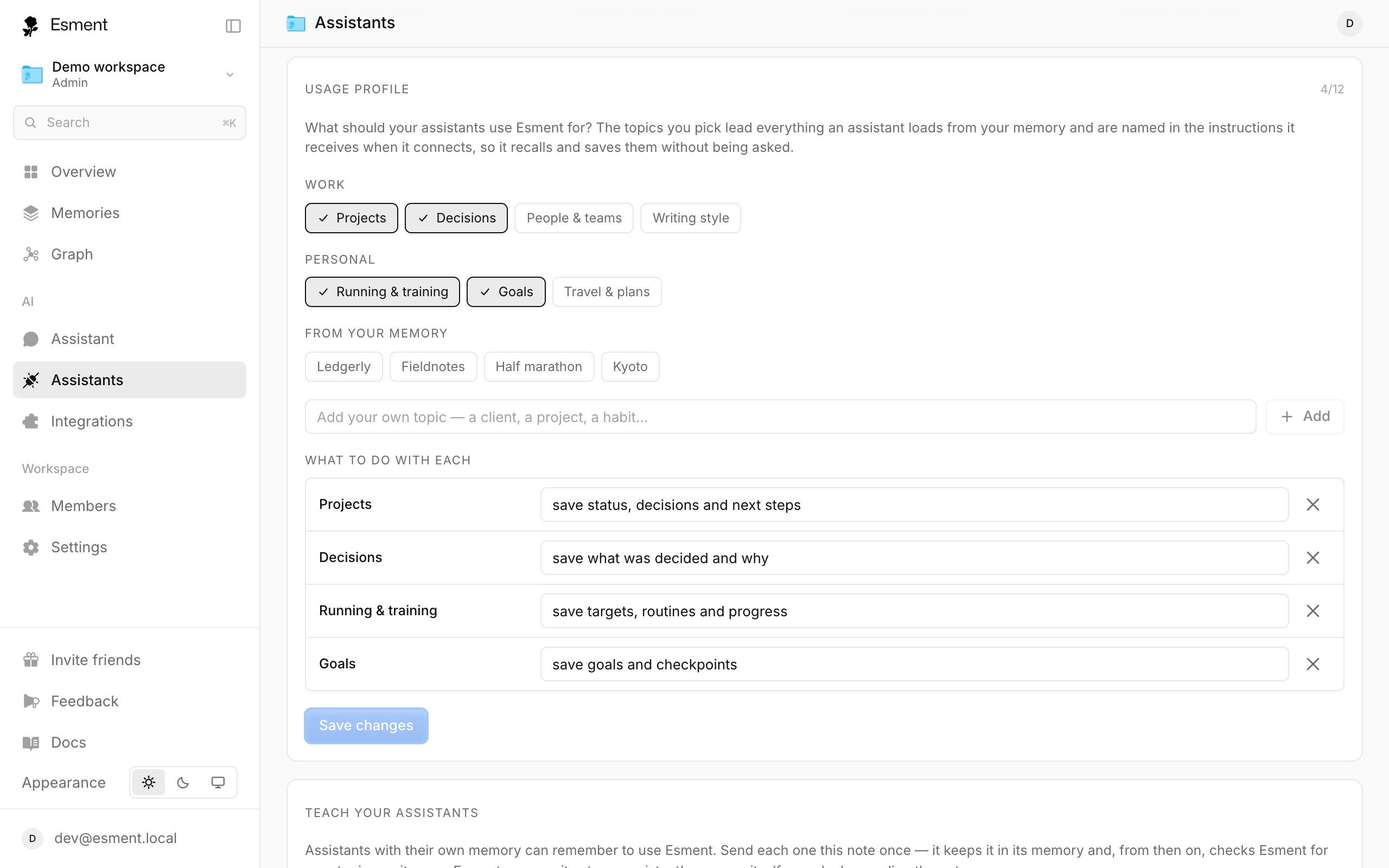
The Usage profile is a list of topics you want your assistants to use Esment for, such as a client, a project or a habit. The topics lead everything an assistant loads from your memory and are named in the instructions it receives, so it recalls and saves them without being asked.
- 1Open Assistants (on the Mac app or in the web dashboard) and find Usage profile.
- 2Pick topics under Work and Personal, or type your own under Add your own topic. You can choose up to 12.
- 3Click Save profile (or Save changes later).
Instructions per assistant
- Claude and Cursor receive the instructions automatically when they connect. Nothing to paste.
- ChatGPT, Perplexity, Grok and Poke need the note, sent once.
- 1Open Assistants and scroll to Teach your assistants.
- 2Click the button next to the assistant, such as Copy & open ChatGPT. For Poke the button is Copy note.
- 3Paste the note into a new chat and send it. The assistant saves it to its own memory.
Esment never writes into an assistant’s memory itself. You send the note, which is your consent. Each assistant’s row shows its status, from Not taught to Using Esment.
The full text assistants receive is also shown on the web dashboard under Instructions for your assistant, for reference.
Automatic recall
In apps that support hooks, such as Claude Code, Esment goes further. A session brief, made from your own memories, is added to the conversation before the model answers. The assistant does not need to remember to ask, because the app does it.
On the Mac, turn it on with the Claude Code hooks card on Assistants, and see exactly what is added under What gets injected.