

Web assistants & your Mac
How ChatGPT, claude.ai, Perplexity and Grok reach a memory that is stored on your Mac.
Why web assistants differ
ChatGPT, Claude on the web, Perplexity and Grok run on the assistant company’s servers, not on your Mac. From out there they cannot see the Esment app on your computer.
To bridge the gap, the Mac app can open a temporary, secure web address that points back to your Mac. This is called a tunnel, and it is a single switch in the app.
The simplest path: Esment Cloud
If you use the web dashboard, your memory is already online. Web assistants can reach it directly, so there is no tunnel to run and nothing to keep open. You copy your memory endpoint from Assistants in the dashboard, paste it into the assistant and sign in.
Turn on the tunnel
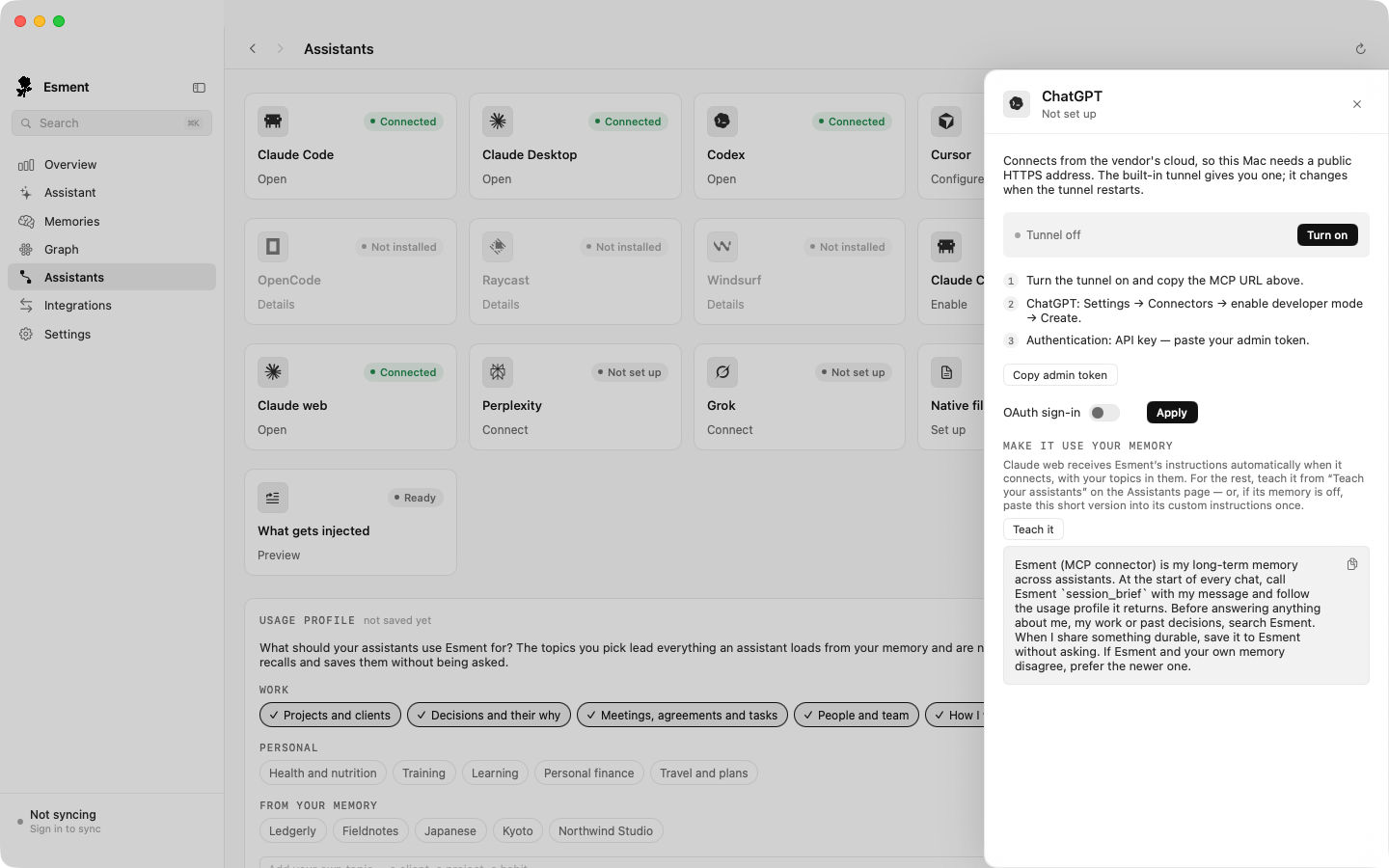
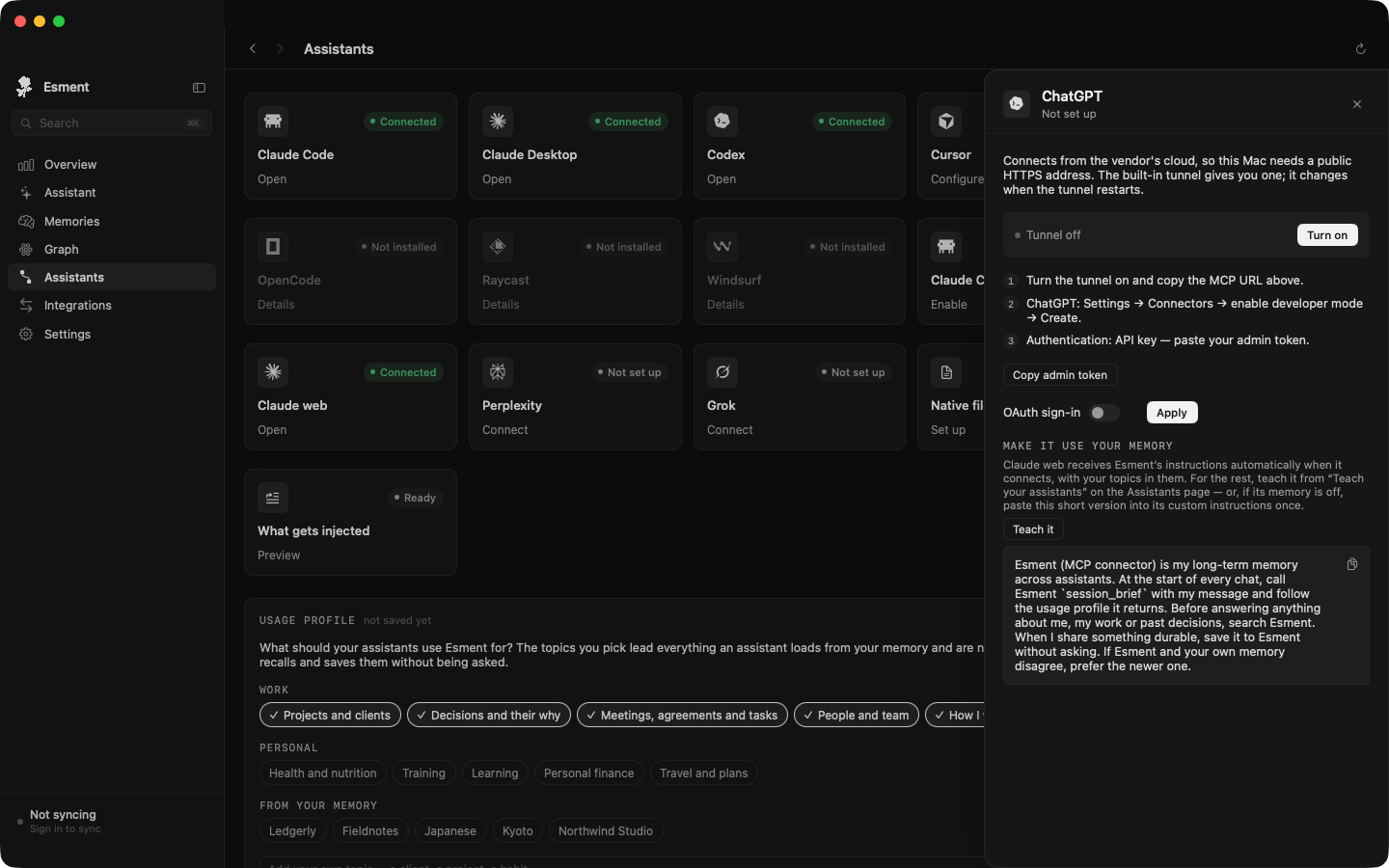
- 1Open Esment and go to Assistants.
- 2Click the card of the web assistant you want: ChatGPT, Claude web, Perplexity or Grok.
- 3In the panel, next to Tunnel off, click Turn on.
- 4Wait a few seconds. The line changes to Tunnel on and a secure address ending in /mcp appears. Copy it.
If the panel shows “Tunnel unavailable — brew install cloudflared”, the helper the tunnel needs was not found on this Mac. We have not yet confirmed which Esment builds include it.
Connect an assistant
Each assistant has a connectors screen where you add a custom connection. You need two things: the address you copied, and a way to sign in.
- The address, ending in /mcp.
- An access key. In the same panel, click Copy admin token. Treat it like a password: anyone who has it can read your memory.
Where to add the connector
- 1ChatGPT: Settings → Connectors → turn on developer mode → Create. See the ChatGPT page.
- 2Claude web: Settings → Connectors → Add custom connector. See the Claude page.
- 3Perplexity (Pro or Max): Settings → Connectors → add a custom connector, then under Advanced choose API key. See Perplexity, Poke & others.
- 4Grok (paid plans): grok.com/connectors → New connector → Custom, with an API key. See the Grok page.
Make it actually use your memory
Connecting gives an assistant the ability to use your memory, not the habit. Claude web receives Esment’s instructions automatically when it connects. For ChatGPT, Perplexity and Grok, you teach them once.
In the same panel, Make it use your memory has a Teach it button that takes you to Teach your assistants. The full explanation is on Teach your assistants.
Good to know
- Keep Esment running. Web assistants reach your memory through the app, so it must stay open in the menu bar with the tunnel on while you use them.
- Desktop apps don’t need the tunnel. Claude Desktop and Cursor connect directly. See How connecting works.
- Your memory stays on your Mac. The tunnel forwards requests to your computer. It does not copy your memories to a server.