

Cursor & code editors
Use your memory in Cursor and other editors that speak MCP, with the Agent Plugin for always-on recall.
Cursor
- 1Open Esment and go to Assistants.
- 2Click the Cursor card, then Configure.
- 3Quit Cursor with ⌘Q and reopen it.
- 4Start a new chat. Esment’s tools are available to the agent.
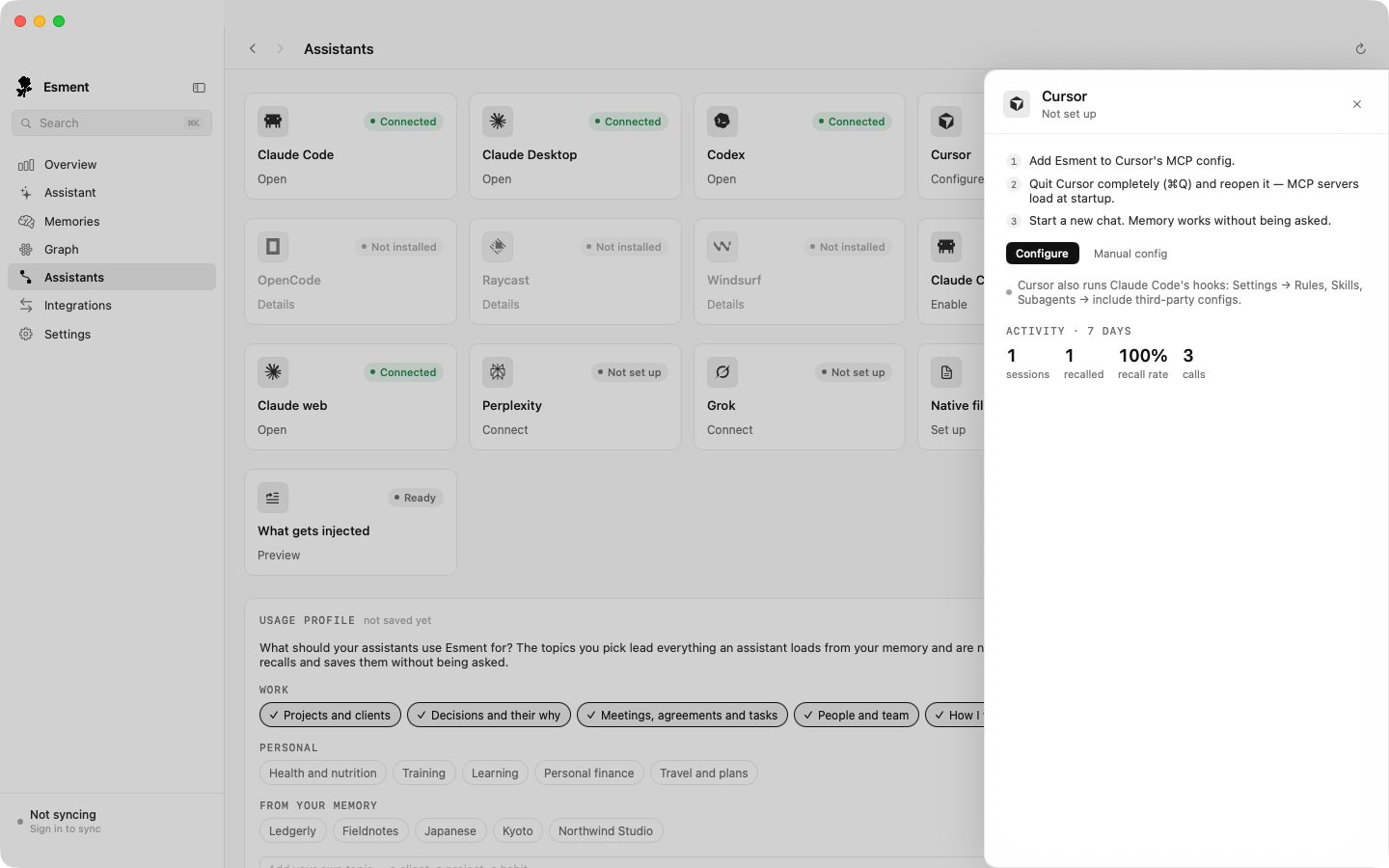
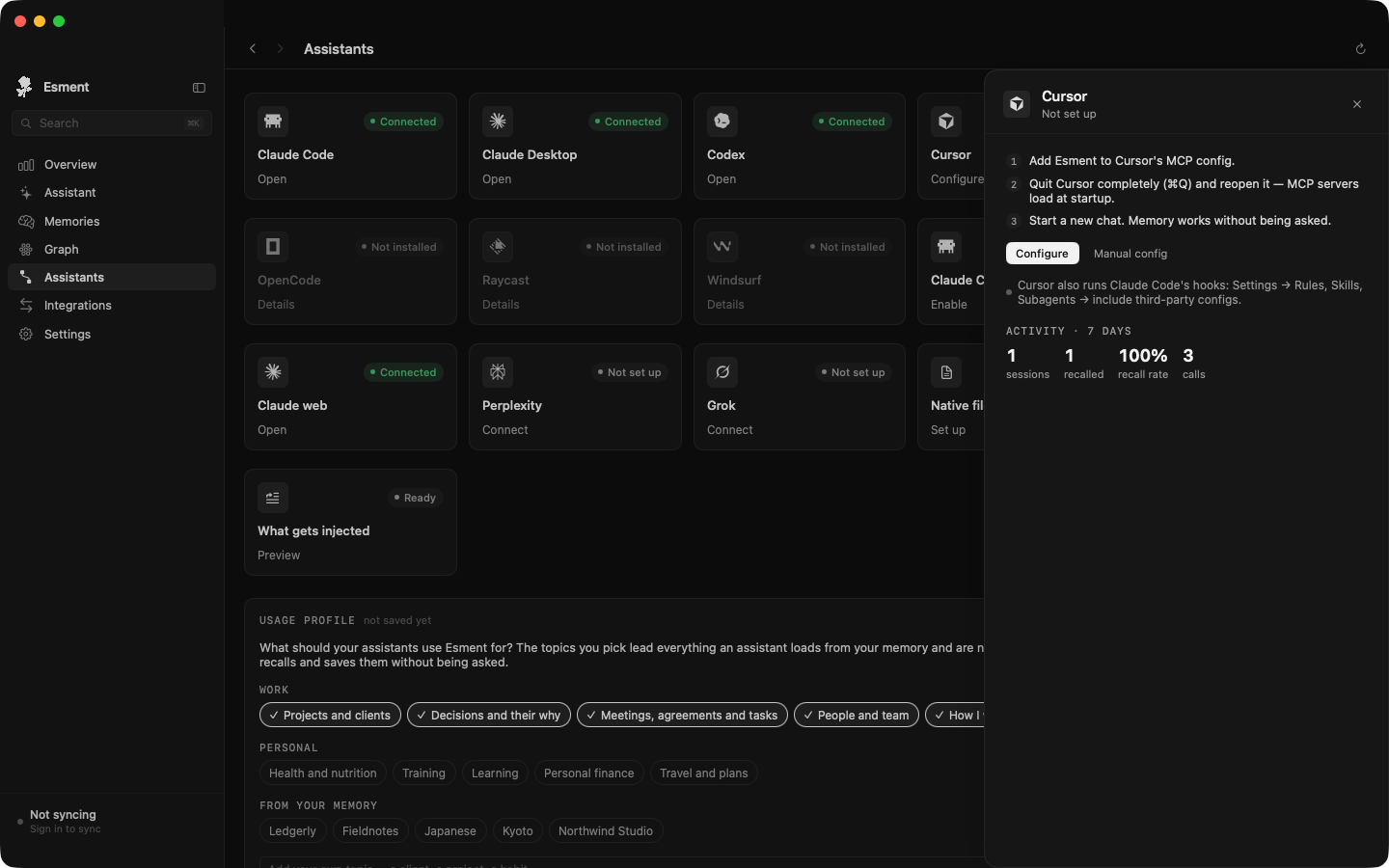
Windsurf, Codex, OpenCode and Raycast have a card on the same page and connect the same way.
The Agent Plugin
The Agent Plugin is a single package that installs a local memory server next to your assistant, together with a skill and hooks. Hooks load a session brief of what you know into the conversation before the model answers, so recall no longer depends on the model deciding to search.
- Clicking Configure on a card installs the plugin for Cursor, Claude Desktop, Claude Code and Codex when they support it.
- Everything runs on your Mac and uses the same memory as your other assistants.
- To see what is injected, open the What gets injected card on the Assistants page and click Preview.
Per-editor details of what the plugin installs (file locations, hook events) are not described here yet.
Other MCP editors
Any editor that supports MCP over HTTP can use your memory. On the Assistants page, open the Any MCP client card and copy the snippet into the editor’s MCP settings:
{
  "mcpServers": {
    "esment": {
      "url": "<your memory address>/mcp",
      "headers": { "Authorization": "Bearer <access key>" }
    }
  }
}
On the Mac, the card fills in the local address and your admin token. A client that prefers a local program instead of a web address can use the second snippet on the same card. For the cloud, use your memory endpoint and a key from Personal API key → Generate API key in the web dashboard.