

Knowledge graph
A map of the people, projects and topics in your memory, and how they connect.
What it shows
The graph draws your memory as a map. Small points are memories, entities and tags, and thin lines connect the ones that belong together. It is a quick way to see what your assistants know about and what ties it together, without reading a list.
Open Graph in the Mac app’s sidebar.
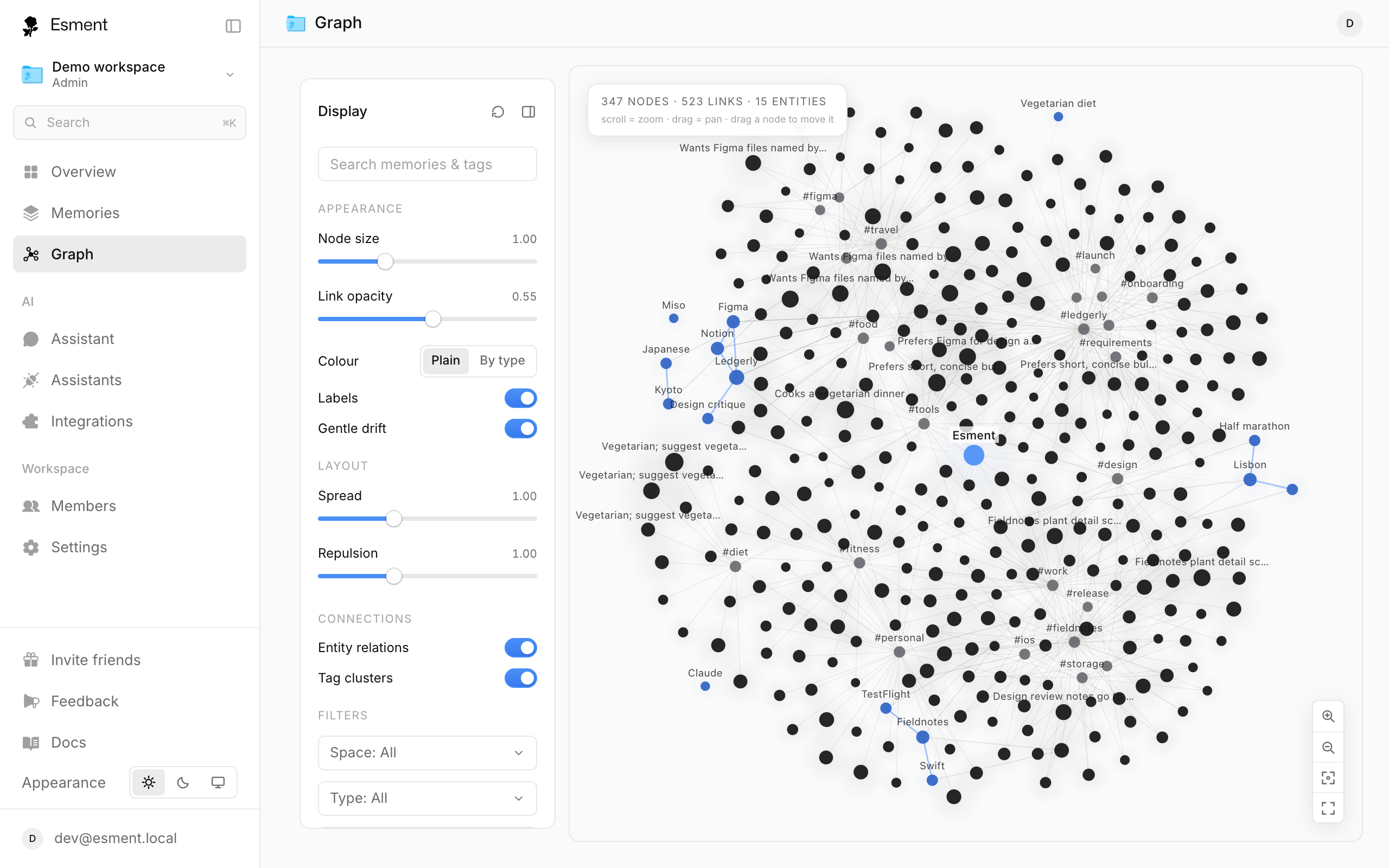
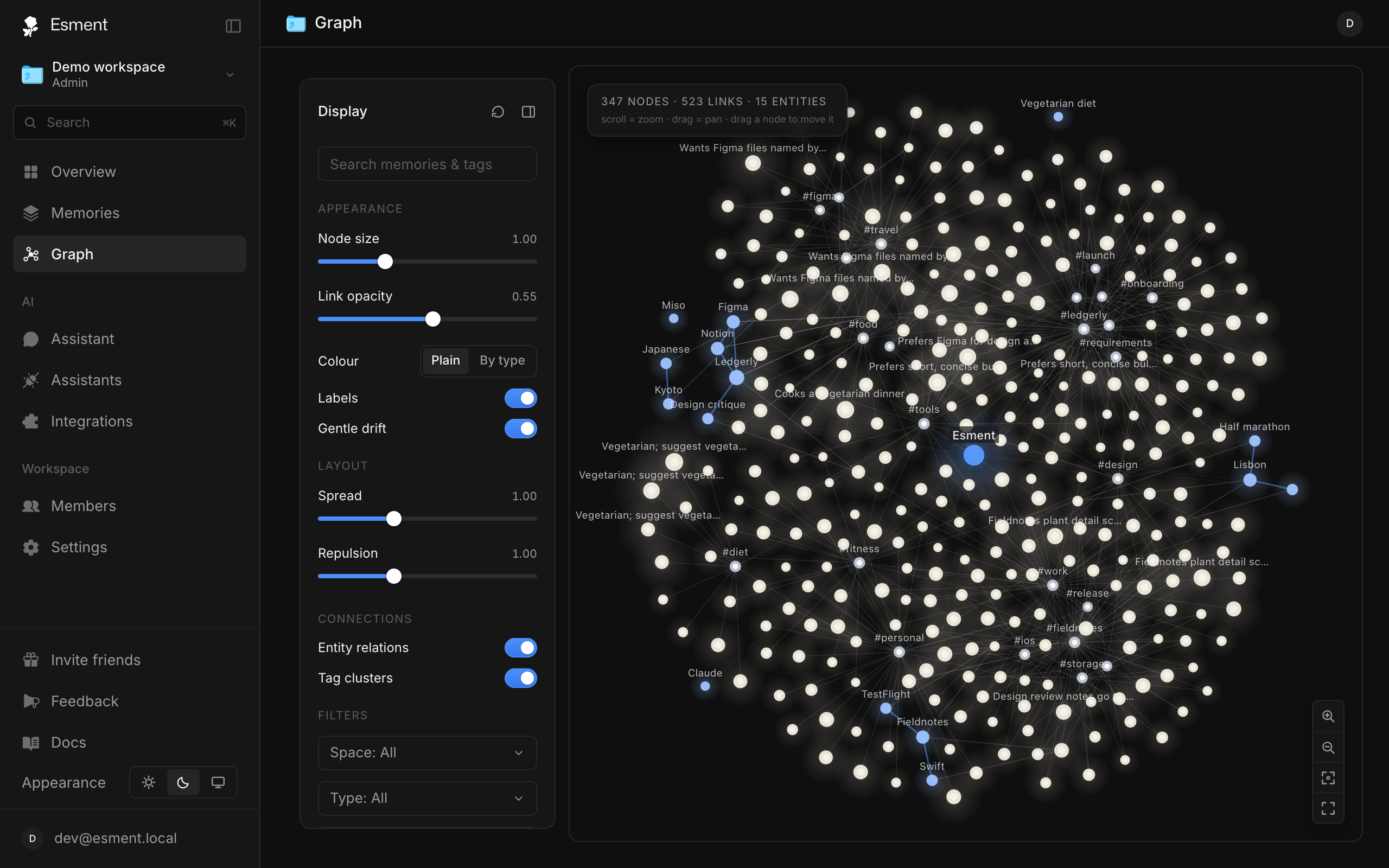
People, projects & topics
An entity is a person, project, place or idea that Esment finds in your memories as you add them. You do not create them. Several memories that mention the same entity are linked to it.
- Entities are the people, projects and topics themselves.
- Memories are the facts connected to them. A brighter point marks an evergreen or important memory.
- Tags are your own labels, drawn as #tag clusters.
- Lines show relations between entities, for example a person who works on a project.
The same entities power the automatic pages in the Library. On the Mac you can also browse them as a table in Memories → Entities.
Explore it
- 1Drag the background to move around and scroll to zoom. Double-click the background to fit the whole graph on screen.
- 2Click a point to open the inspector. For a memory, click Open memory → to see it in full.
- 3Open the Display panel to change how the map looks: Node size, Labels, Spread, and whether to show Entity relations and Tag clusters.
- 4Use the Filters to show only one space, one type or one kind of relation. Max memories limits how many points are drawn.
Path finder answers “how is A connected to B?”. Choose two entities in From and To, click Find path and the chain between them is shown.